
Integrations
Take action,
not just talk.
An assistant that can only answer questions leaves the work where it was. Connect Swa to the systems your team already runs, and a request in plain language becomes a ticket filed, a meeting moved, or a document found.
Connected once, from the admin panel, under the rules you set.
How it works
Connect once, use everywhere.
Connect
An admin authorizes the tool once from the admin panel. There is one connection per business, not one per person, so nobody on the team is asked to link their own account.
Configure
Choose which teams can reach each connection and what Swa is permitted to do with it. Reading and acting are separate decisions, and both are yours to set.
Use
Ask in plain language, in the thread you were already in. There is no syntax to learn, and every action Swa takes on a connected system is recorded against the person who asked for it.
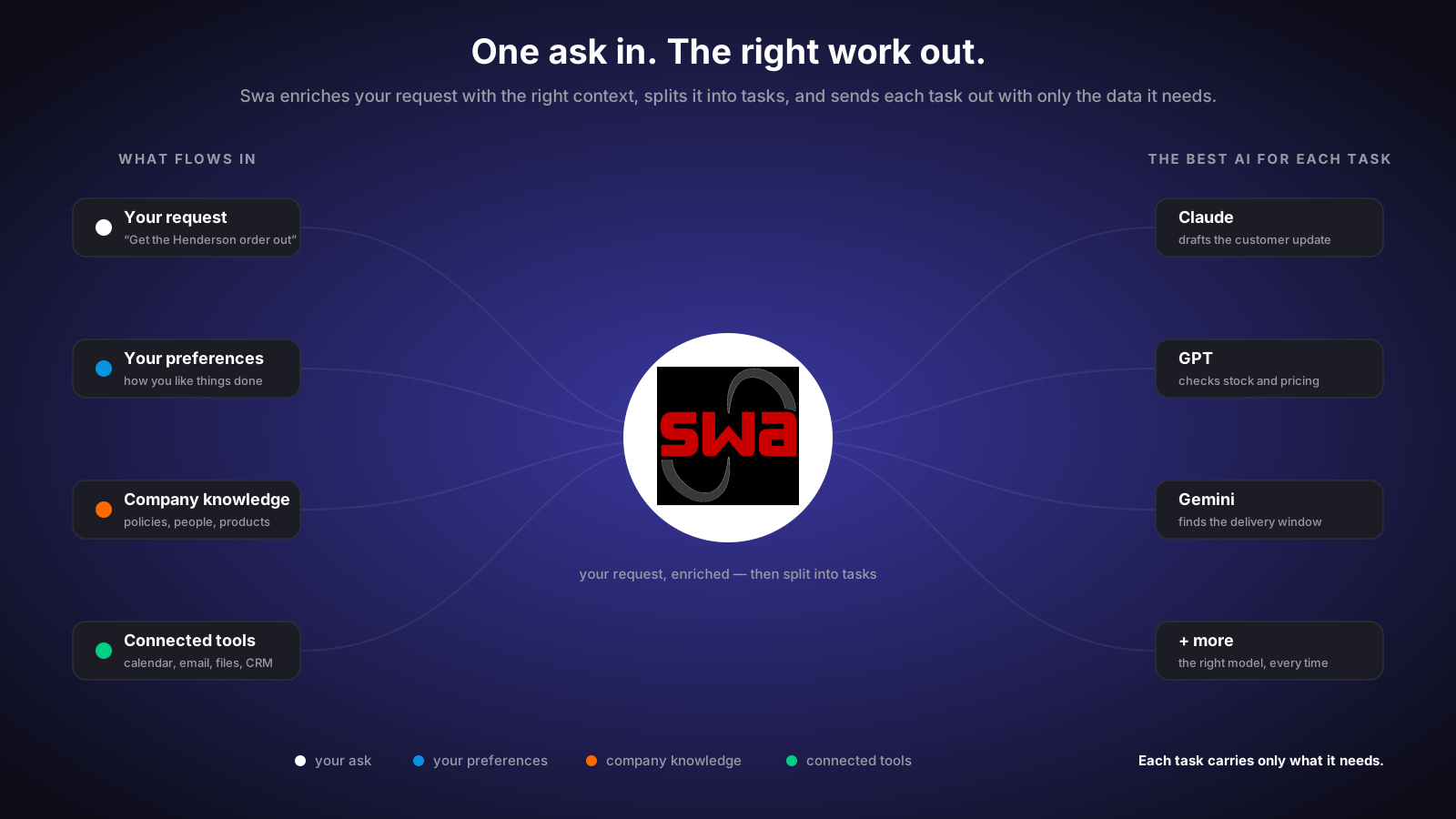
Connected systems
The tools the work already lives in.
Swa reaches into the systems your team runs on so the answer and the action happen in one place, rather than a chat window telling somebody what to go and do next.

Jira
Raise an issue, move one along, or ask what is sitting in a sprint, without leaving the conversation where the problem came up in the first place.
Outlook
Ask what a thread concluded, draft the reply, or find the message with the number in it. Email is where decisions get buried, so it is where searching pays.
GitHub
Ask what changed, what is open, and who is waiting on a review, so the people who need the answer are not the same people who have to go and look for it.
ServiceNow
Open and track service requests from the same conversation where the issue was raised, so the ticket exists before anybody has time to forget about it.
Google Calendar
Find the slot, move the meeting, and answer what a day already looks like, in the words anyone would use to ask a colleague the same question.
Google Drive
Pull the document into the conversation and ask about its contents, rather than sending somebody a link and hoping they read the right part of it.
Your CRM
Look up an account, a contact, or where a deal stands from the conversation you are already in, instead of opening another tab to go and find it.

Under your rules
A connection is a permission, not a free pass.
Every connected system is scoped to the teams you choose and limited to the actions you allow. Requests are inspected before they leave, and what Swa did on your behalf is written down.
For engineers
Bring Swa to the editor.
A Swa MCP server your engineers connect to from Cursor, Copilot, Claude Code, or any MCP client, pulling company knowledge and Swa agents into the editor they already work in. Connect once, governed by the same model policy as everything else.

A Swa MCP server
One connection from the MCP client your engineers already use. No new editor, no plugin to maintain, and nothing about their workflow that has to change.
Company knowledge in-editor
The documents, policies, and libraries the business runs on, answerable from inside the editor instead of in a browser tab somebody has to go and find.
Swa agents on tap
The helpers a team already built are reachable from the editor too, so an agent written once is not rebuilt for every place somebody wants to use it.
Governed by the same policy
One model policy covers the editor as well as the browser, and every request is logged the same way. Engineering does not become the gap in the audit trail.

Get started
Connect one system and see what changes.
Pick the tool your team complains about most, connect it, and watch how much of the asking stops being a task somebody has to do by hand.